






Description
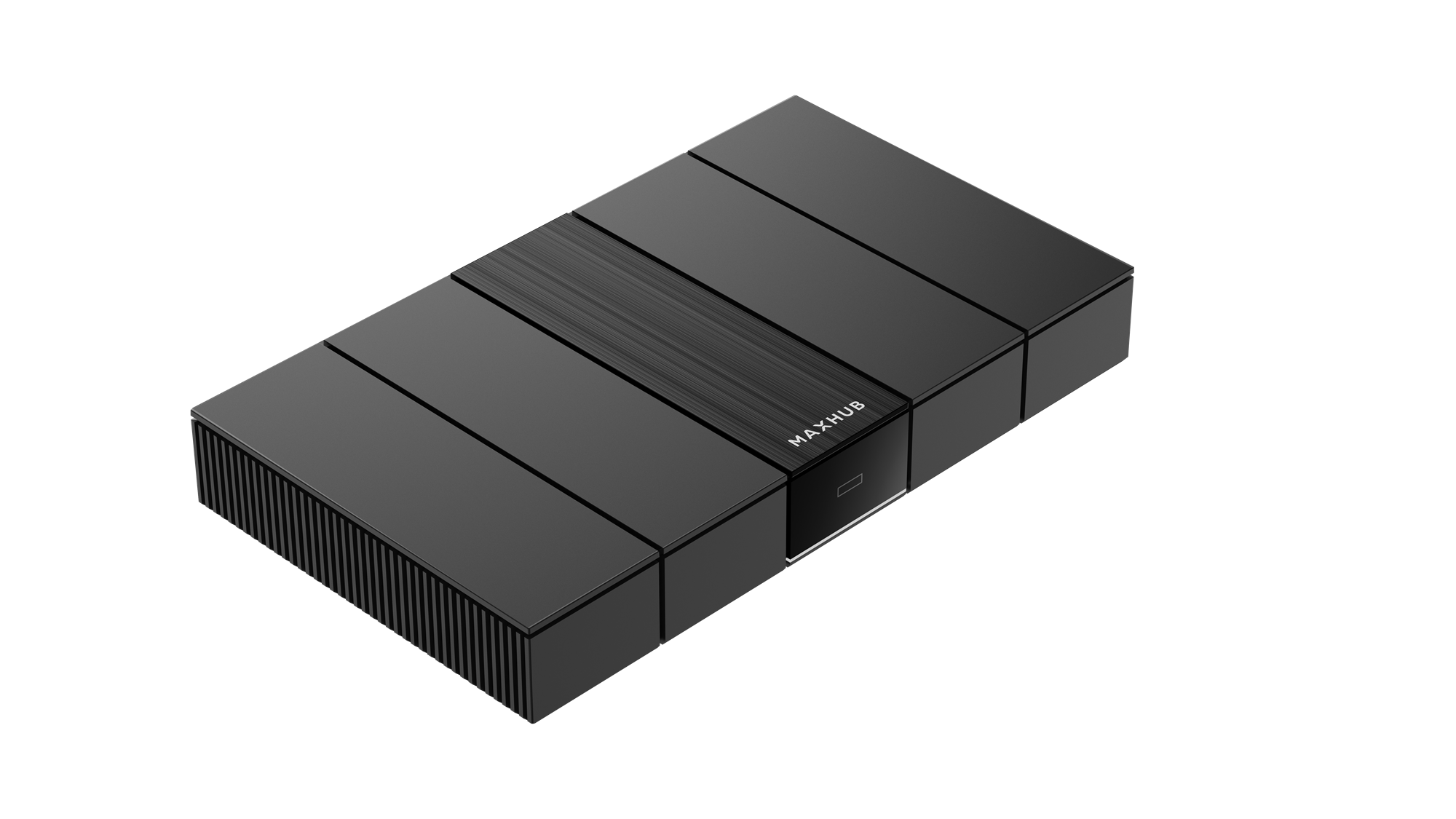
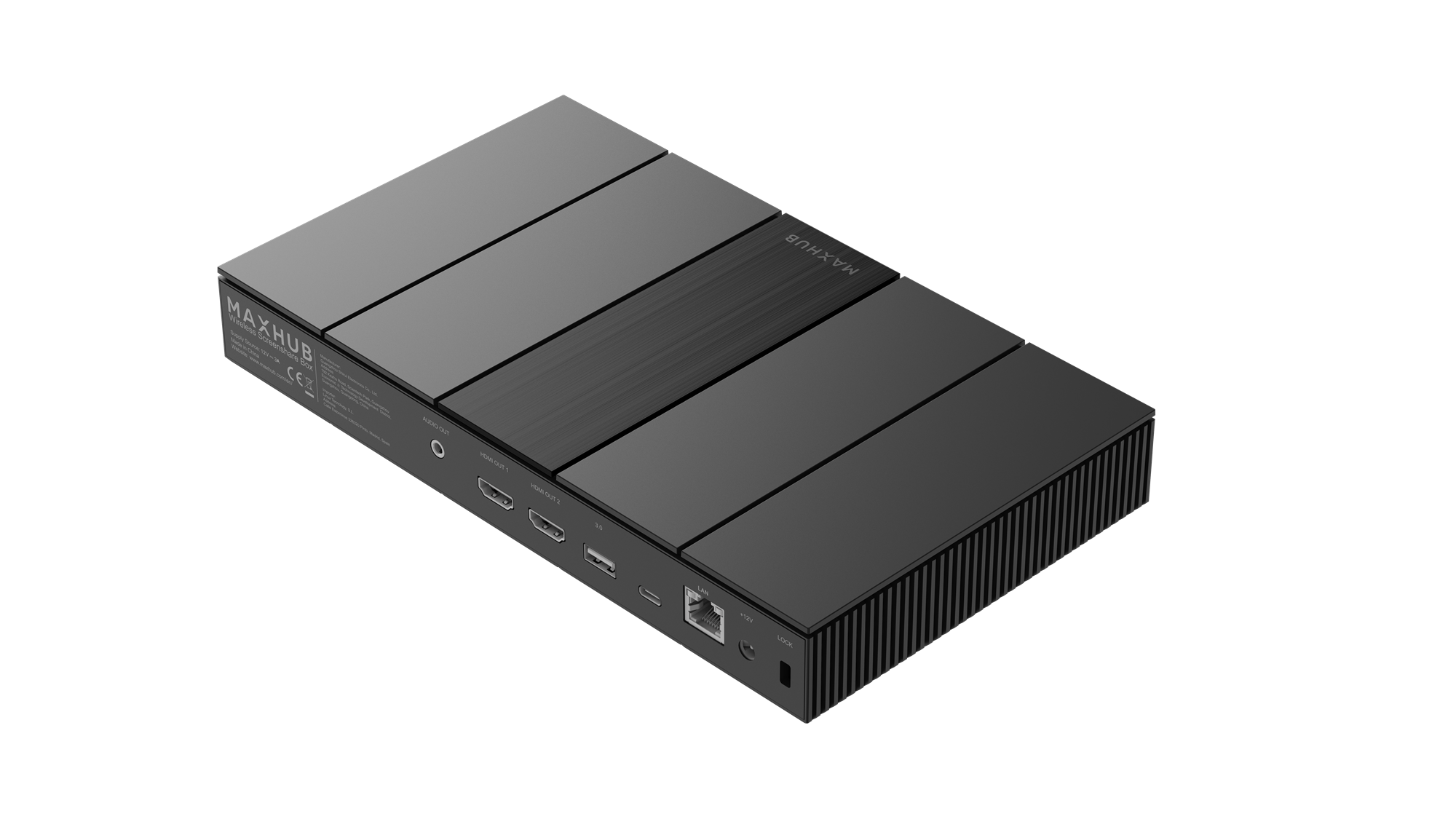
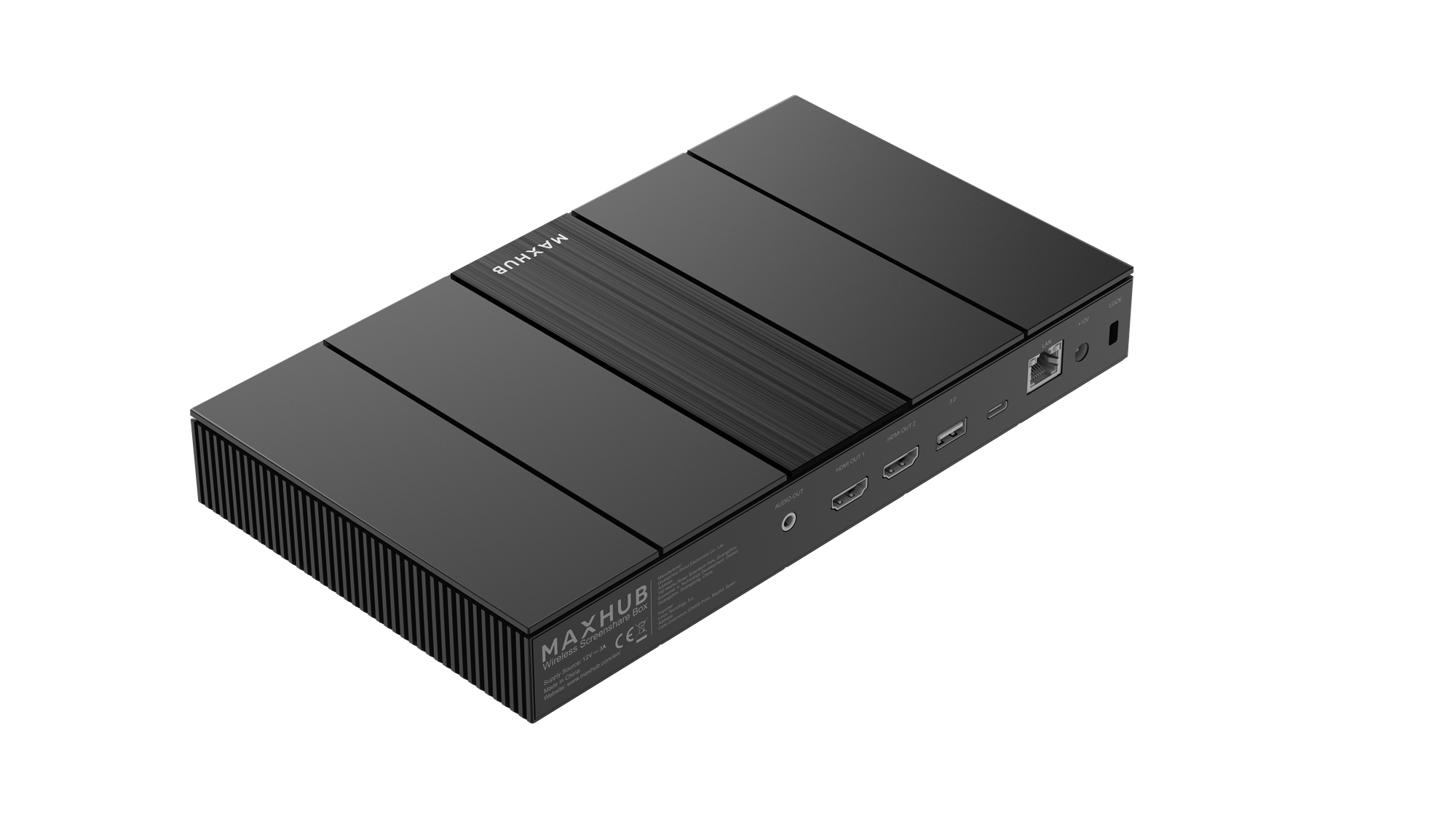
The MAXHUB WB05 Wireless Screen Sharing Box is designed to make meeting room presentation and collaboration simpler, cleaner and more flexible. By connecting to a compatible display, TV, projector, LED screen or video wall, it enables users to share content wirelessly from laptops, mobiles and tablets, reducing the need for cables, adaptors and lengthy setup before a meeting.
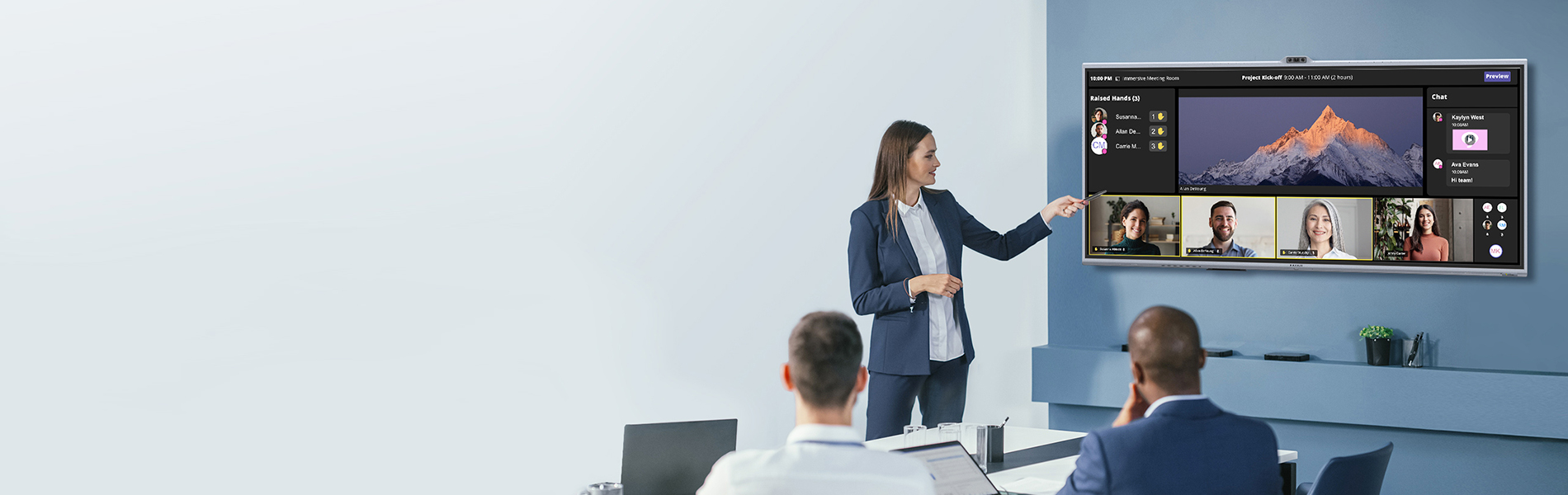
The WB05 is ideal for modern meeting spaces where users want to walk in, connect quickly and present content on a larger screen. It can also support BYOM meeting workflows, allowing users to run their preferred video conferencing software from their own laptop while controlling the room’s compatible audio and visual peripherals wirelessly.
Key features and benefits
4K Ultra HD output
The WB05 supports 4K Ultra HD output at 60Hz, helping deliver sharp detail, smooth motion and clear visuals for presentations, video content and collaborative meetings. H.264 video decoding also helps maintain smooth playback without placing unnecessary strain on the network.
Fast, simple wireless sharing
With rapid wireless connection and plug-and-play operation, the WB05 helps users move from laptop, tablet or phone to large-screen presentation with minimal delay. Multi-protocol support and driver-free operation help make screen sharing easier for different users and devices.
9-way split-screen display
The WB05 supports simultaneous screen sharing from up to 9 screens or devices, making it easier to compare content, support multi-party collaboration or make better use of large-format displays and tiled screen spaces.
Dual-screen output
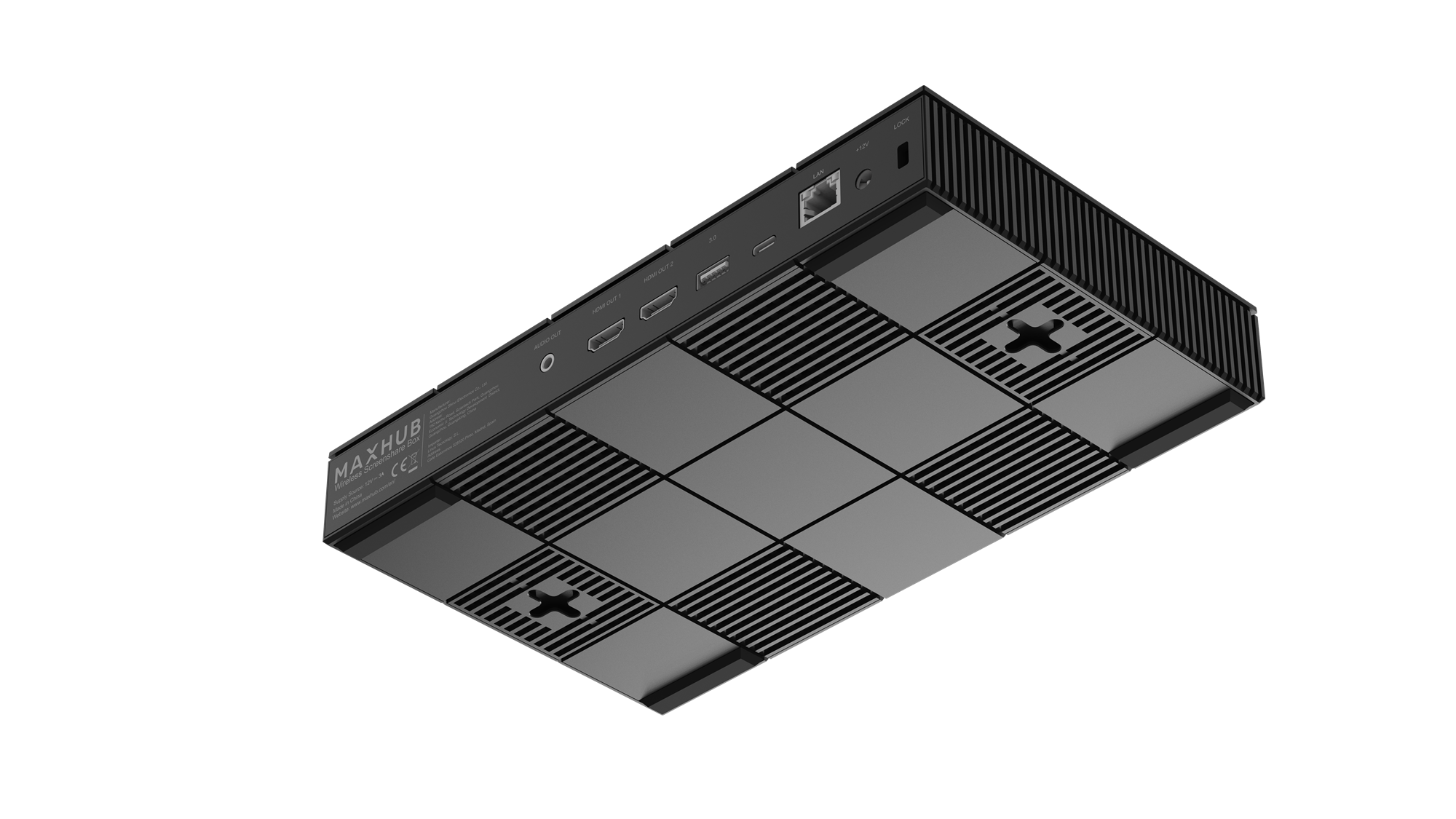
Dual HDMI interfaces allow content to be displayed across two screens, giving users more flexibility for meeting rooms, lecture halls and briefing spaces where multiple displays are used.
Professional-grade wireless performance
A dual-frequency 2.4GHz/5GHz Wi-Fi module with 2T2R high-gain antenna design helps provide a high-bandwidth screen sharing connection with low latency, improved clarity and simultaneous internet access while mirroring content.
Privacy-focused presentation options
Extended Screen Mode allows the large screen to show selected content while the presenter’s device can still display private information such as emails. Application window sharing also helps keep the meeting focused on the right content.
Centralised device management
The WB05 supports centralised management for multiple rooms and display devices, helping organisations manage content distribution, corporate communications and welcome displays more easily. Scheduled power on/off also supports more efficient maintenance and energy use.
Flexible room compatibility
The WB05 is suitable for a wide range of meeting and presentation environments, including medium and large conference rooms, lecture halls and briefing rooms. It can be used with mainstream display devices equipped with HDMI, including TVs, projectors, LED screens and video walls.
Compatible devices and platforms
The MAXHUB WB05 supports screen sharing from Windows, macOS, Android and iOS devices using the MAXHUB Share app or compatible MAXHUB wireless screen sharing accessories. This makes it a practical addition to shared meeting spaces where different users need to connect from different device types.


