







From the cellular connection to a network that works
In our recent article, Before You Specify a 5G Router, we looked at what to consider before specifying a 5G router: the connection available at the site, the installation environment, antenna options and what the customer needs the connection to do. But getting the cellular link up is only the start. Once connectivity reaches the building, the Wi-Fi, switching, device behaviour and the way the system is monitored all affect how well the solution performs.
Picture a distribution warehouse. The router is installed and the cellular connection looks healthy, but a couple of weeks later the calls start coming in: scanners lose their connection in certain aisles, video calls freeze in a meeting room, and cameras on an outdoor pole occasionally lose their feed. The router may be doing exactly what it was installed to do. The next job is to work out what is happening elsewhere in the network.
For resellers and integrators, that means looking beyond the headline connection speed and asking a few more detailed questions: where does performance fall away, which devices are affected, and what evidence do we have about the cause? The right design and the right tools can make those questions much easier to answer.
Adding an access point doesn’t automatically fix coverage
When users report a weak Wi-Fi signal, adding another access point can seem like the obvious answer. Sometimes it is. But access points also share radio spectrum, and a poorly planned addition can create more interference or airtime contention rather than improving the experience. The number of access points matters, but so do their positions, channel choices, transmit power and the devices using the network.
Warehouses are a good example because the environment can be difficult to predict from a floor plan alone. Metal racking and stock can reflect or obstruct radio signals; high ceilings and long aisles create different coverage challenges; and handheld scanners may have different radio capabilities from the laptop used to test the network. A design that looks fine on paper can behave differently when people, vehicles and stock are moving around the site.
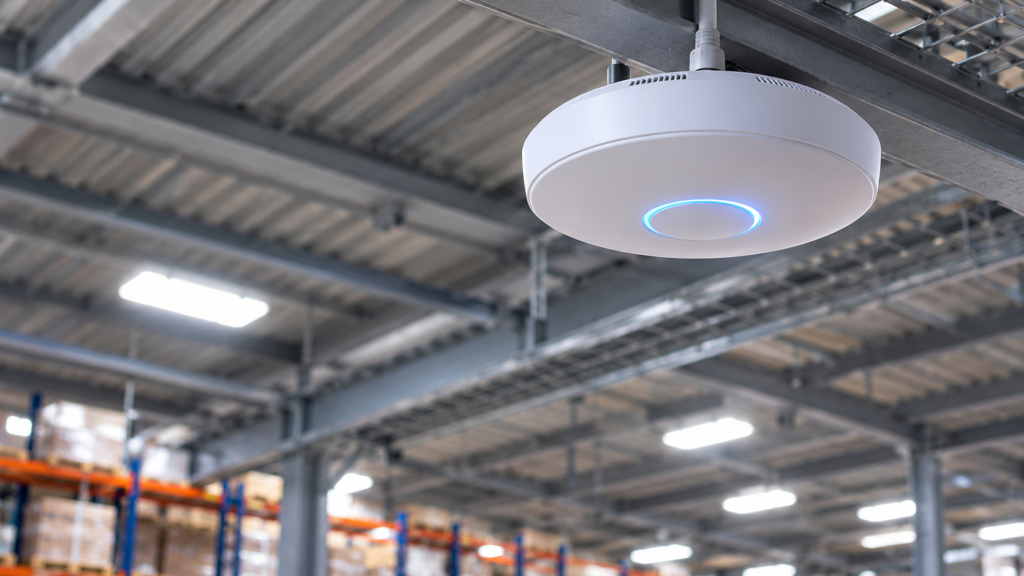
Roaming also deserves attention where people move around while using voice applications or scanners. The access points need to provide suitable coverage and be configured to support the way client devices move between them. A useful test should therefore use the devices the customer actually relies on and should include walking the areas where users have reported problems.
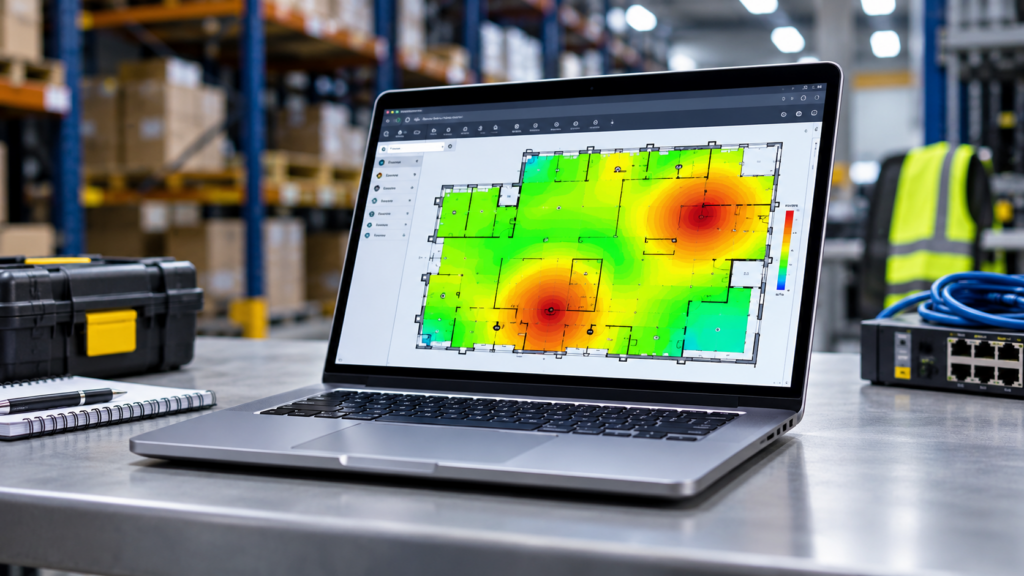
A predictive Wi-Fi design is a useful starting point, but it isn’t proof that the installed network will perform as intended. A site survey can help establish where access points should go, which channels are suitable and whether the finished installation matches the design. It is especially worth considering in metal-heavy buildings, sites with mobile users, or environments where the same design is going to be rolled out across several locations.
Tools such as Ekahau can support the process from predictive design through to post-installation validation, helping engineers compare the intended design with real-world performance and identify areas where further optimisation may be required.
Cellular installations: signal, antenna and cable all matter
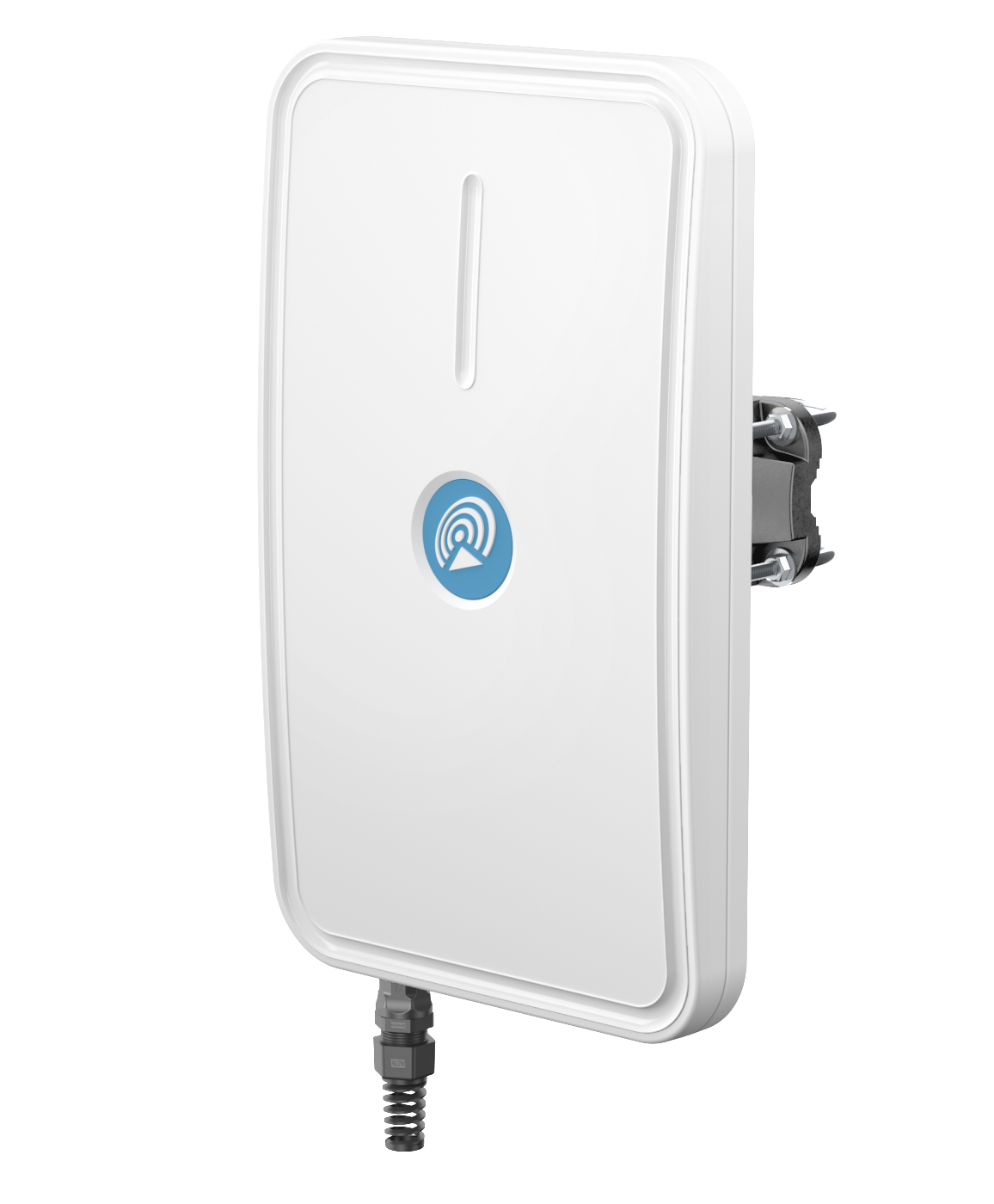
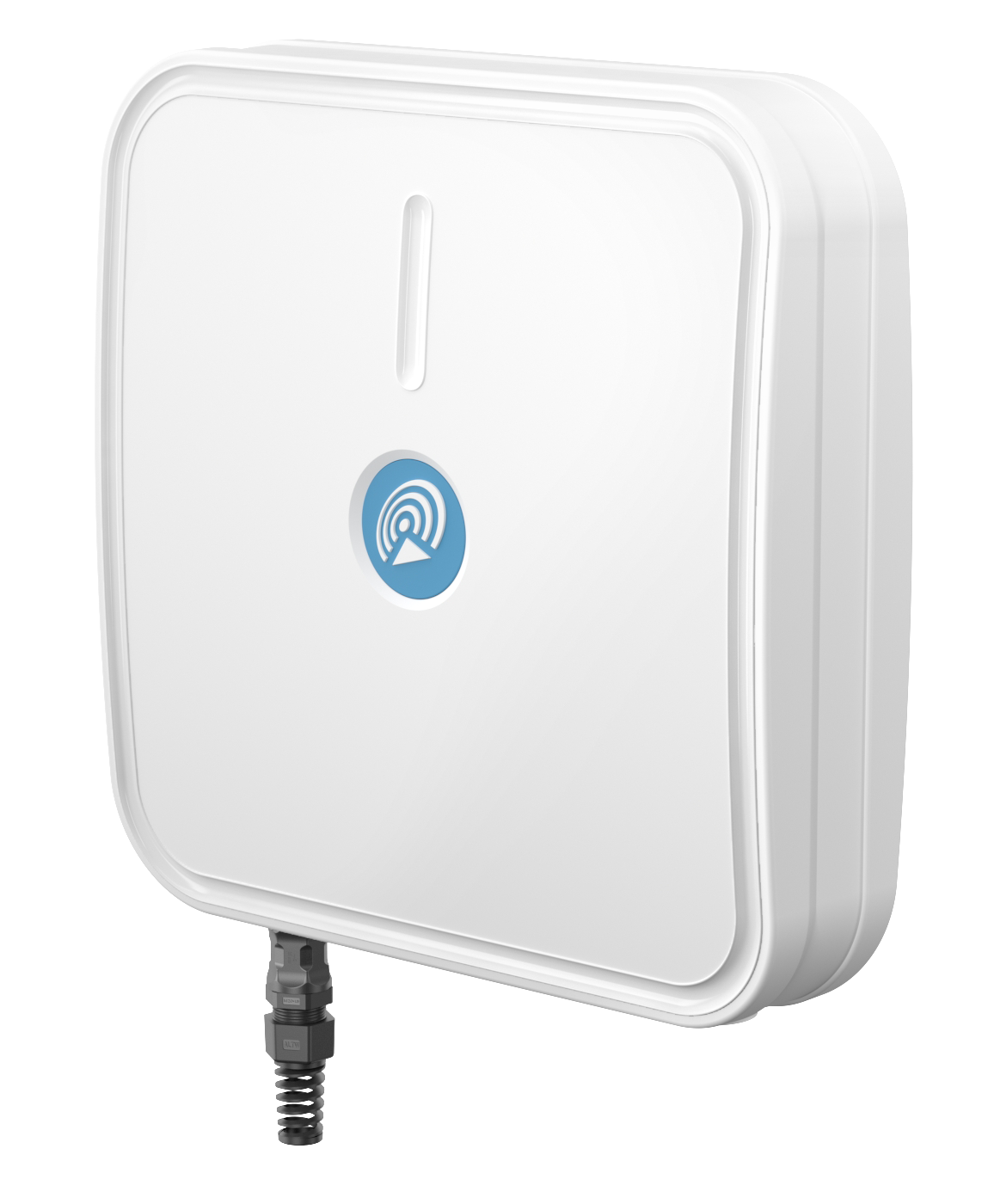
The same principle applies to cellular connectivity. A healthy-looking router connection doesn’t necessarily mean the wider installation is right for the site. Antenna position, cable loss and the environment around the equipment can all affect performance, particularly where a router is installed inside a metal-clad building.
Our first article covered the initial cellular survey and antenna decisions. When bringing the connection into a wider network design, it’s also worth considering how the equipment will be installed and connected back to the network. In some environments, an outdoor router such as the InHand ODU12 can allow the cellular equipment to sit closer to the antenna, with Ethernet running back to the building. Suitability will depend on the site conditions and the specific installation.
It’s also worth remembering that cellular conditions can vary over time. A tool such as Siretta’s SNYPER-5G Graphyte GL can log surveys over a period and compare available operators, helping partners identify intermittent coverage issues that a single reading might miss.
Finding the cause before changing the kit
When a customer reports slow Wi-Fi, the first task is to narrow down what is affected. If one device has a problem while others work in the same location, investigate the device itself. If the issue follows a particular area, coverage or interference may be involved. If performance drops when the site is busy, capacity and airtime use are worth checking. If wired devices are affected as well, the problem may sit further upstream.
Different tools answer different questions, so it helps to match the tool to the symptom rather than reach for the same tester every time.
| What you see | What to investigate | Tools that may help |
| The problem follows one location | Coverage and signal quality | Ekahau survey data or a handheld Wi-Fi tester such as NetAlly AirCheck G3 |
| Signal looks reasonable but performance varies | Interference and channel utilisation | Appropriate spectrum-analysis or Wi-Fi diagnostic tools |
| Performance is fine when quiet but poor when busy | Capacity, client count and airtime use | Wireless controller statistics and monitoring platforms such as 7SIGNAL |
| One device or device model is affected | Endpoint behaviour, software and roaming performance | Endpoint diagnostics or 7SIGNAL client-side monitoring |
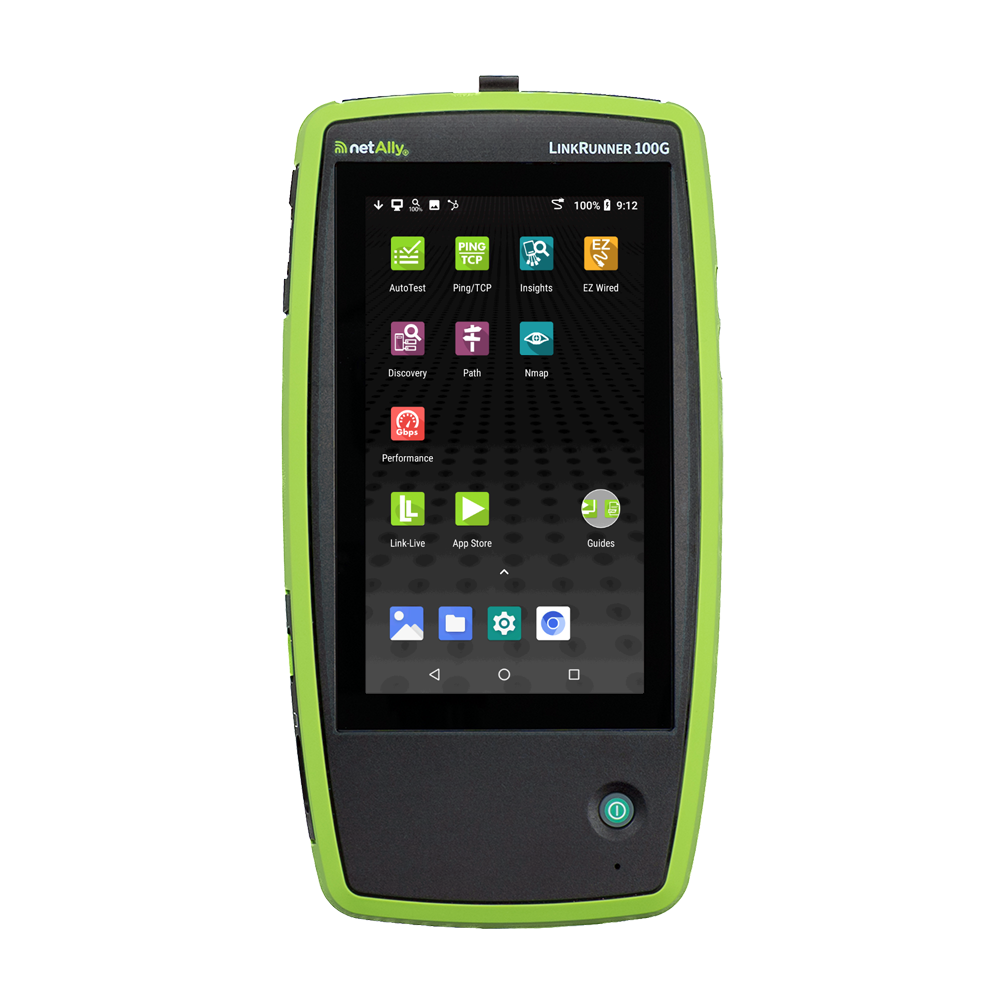
| Wi-Fi appears healthy but applications are slow | Wired network, WAN/cellular link and application path | A wired tester such as NetAlly LinkRunner for link and service checks; Allegro Network Multimeter where packet capture and analysis across wired and wireless traffic is needed with packet analysis where needed |
Monitoring, handheld testing and packet analysis are not interchangeable. Monitoring can help show what users experienced and when; a survey or handheld tester can help investigate conditions at a particular location; and packet analysis can help examine traffic when the cause is less obvious or the problem sits between network layers.
Client-side monitoring platforms such as 7SIGNAL provide visibility from the user’s perspective, helping identify issues involving device behaviour, roaming performance and end-user experience that may not be visible through infrastructure monitoring alone.
Where deeper investigation is required, packet analysis platforms such as Allegro Network Multimeter can provide packet-level visibility into latency, packet loss and application performance issues, helping engineers move beyond symptoms and identify root causes.
For example, a wireless survey may help identify a coverage gap, but it won’t tell you that a laptop driver is out of date. A monitoring agent may show that users experienced poor performance, while packet analysis may help investigate retransmissions or application traffic. Choosing the right starting point can save time and avoid changing equipment before the actual cause is understood.
Putting it together: warehouse and outdoor connectivity
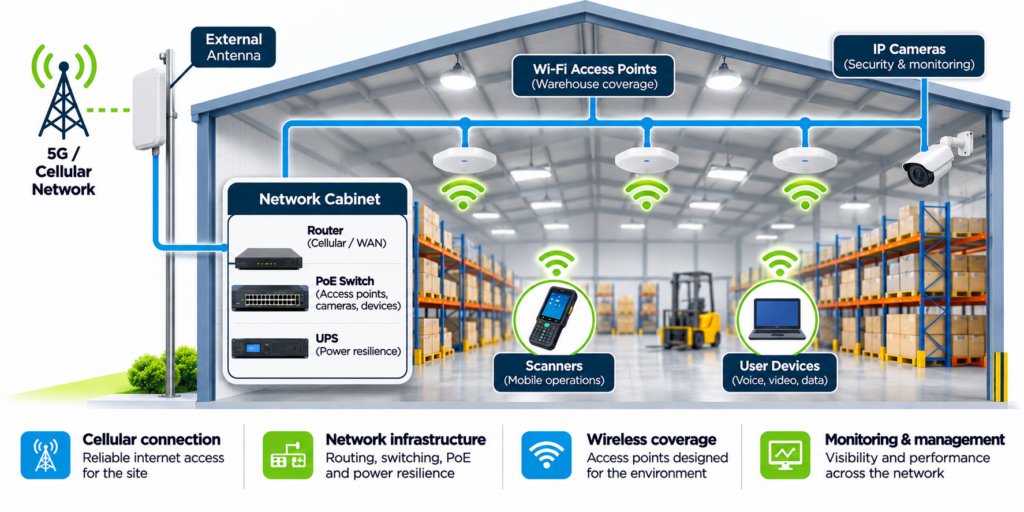
Consider a distribution warehouse with scanners operating throughout the building, cameras covering the outdoor areas and a cellular connection providing internet access while a fixed line is installed, with the option of backup connectivity afterwards. The challenge is to make sure the different parts of the installation work together as intended.
Start by surveying both the cellular signal and the Wi-Fi environment. For cellular, check the available networks at the intended antenna position and over a suitable period. For Wi-Fi, test the aisles with the scanners the customer actually uses, rather than relying on a laptop test or the floor plan alone. Those findings help inform the antenna location, access point layout and channel plan.
Next, consider where the cellular router and antenna should sit. If the signal is better outside the building, an appropriately rated outdoor router may allow the cellular equipment to sit closer to the antenna, with Ethernet running back to the network cabinet. If the router cannot be mounted externally, keeping the RF cable between the antenna and router as short as practical can help limit signal loss; a secure indoor position close to the external antenna may be worth considering. Check that the router, cabling, mounting and environmental rating are suitable for the site, and confirm how network selection will work with the chosen SIM and service.
The cabinet needs attention too. If a PoE switch is powering access points and cameras, check the total power budget and allow for devices that may be added later. Consider whether a UPS is needed and which equipment it should support. This is also a useful point to identify shared dependencies: if the router, switch and access points all rely on the same power source, a power failure could take out the whole solution.
Finally, decide how the installation will be managed once it is live. Central management, appropriate monitoring and a plan for investigating faults can reduce the need for site visits, but the approach should reflect the products in use and the support the customer actually needs. The goal is to know how the solution will be checked and maintained, not simply to get it installed.
Before you quote
Before recommending equipment, it is worth asking a few questions that can prevent problems later:
- What are the building materials, racking and ceiling heights, and has Wi-Fi been surveyed using the devices the customer actually uses?
- Which cellular operators are usable at the intended antenna position, and have conditions been checked over time?
- Where will the antenna sit, and what cable length and type will be needed?
- If performance is poor, what evidence will help distinguish a Wi-Fi, client-device or upstream issue?
- Who will manage and monitor the installation once it is live, especially if there are multiple sites?
Open Reality can help partners scope the wider solution, from cellular routers, antennas and analysers through to Wi-Fi survey, testing and monitoring tools. If you’re working on a project and want to talk through the options, our team can help with product selection and pre-sales support.

